PMCARD5PK
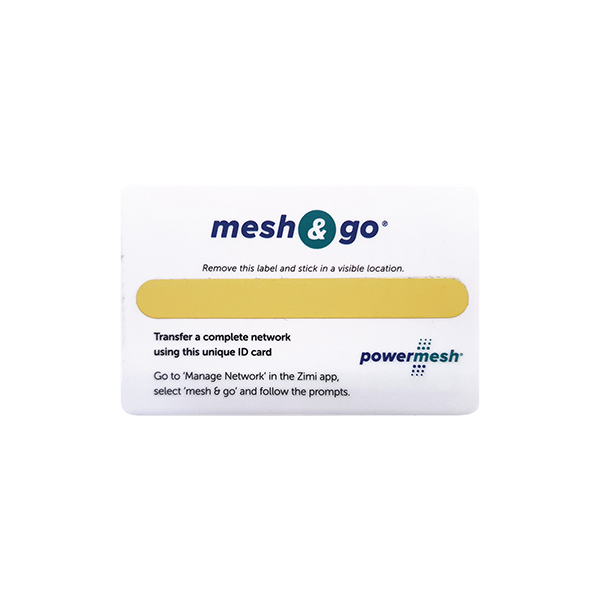
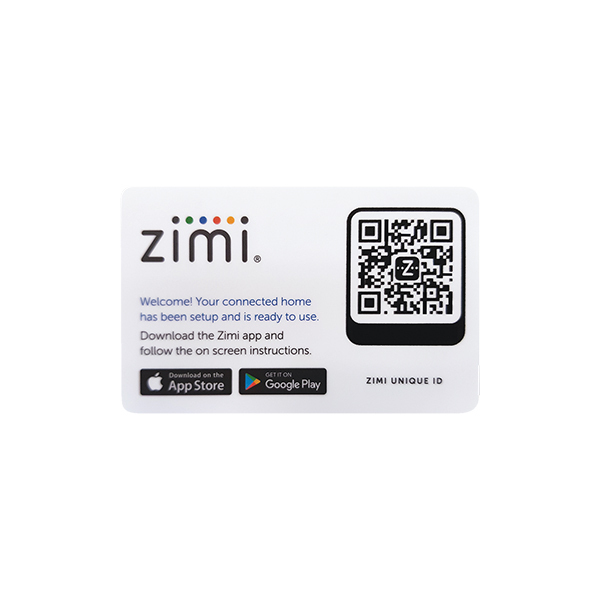
Mesh and Go ZIMI Card 5 Pack for POWERMESH Must Buy as a Pack of 5
SKU
PMCARD5PK
Box Qty
1
Categories
Mesh & Go Card
Features
- Allows easy transfer of a complete Powermesh network from installer's device to customer's device.
- Each card has a unique QR code and can be reused.
- To see a demonstration watch the "How to Mesh & Go" video: https://www.youtube.com/watch?v=uR4myb0WKJc Installer steps:
- Login in to Zimi, select the menu icon and select ‘My Account’
- Add your electrical licence details to enable the ability to Mesh & Go.
- Create a new network.
- Pair all the Powermesh devices, add automatic schedules or change any device settings.
- Once everything has been setup: - Select the menu icon. - Select "Manage". - Select the ‘Mesh & Go’ icon and then the ‘Mesh & Go’ card option. - Using the camera on your device, simply scan the QR code on the card to finish. Customer steps:
- Download "Zimi" app from App Store or Google Play.
- Create an account and login: - Select the menu icon at the top left of screen. - Select ‘Create’. - Select the ‘Scan Zimi card now’. - Using the camera on your device, simply scan the QR code on the card to finish.
Product specs
Dimensions
85mm x 55mm x 5mm
Material
Polycarbonate
Surface finish
Gloss
PMCARD5PK Data Sheet
Download to see product technical details.
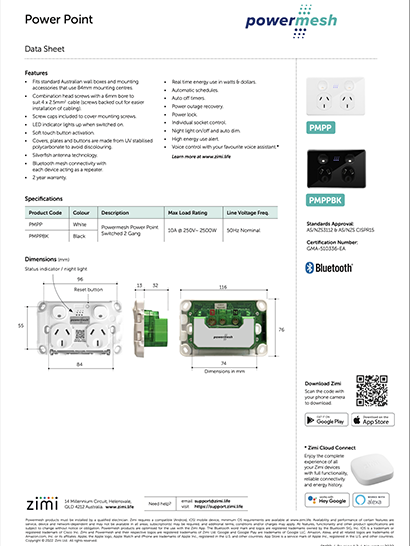
Powermesh Data Sheet
Powermesh
Download to see technical details for the complete Powermesh range.

Smarter Living
Senoa
Download to explore the Zimi Powermesh and Zimi range.
Purchased this product?
How do you rate it?